OpenAI DevDay 2026: dots, GPT-6.1 Sol, Codex updates and ChatGPT Space
OpenAI's September 29 DevDay brought always-on dots agents, a cheaper GPT-6.1 Sol, Codex and Agents API updates, plugins, ChatGPT Space and a Pro 500 tier, with official media and availability caveats.
In this article
OpenAI used DevDay on September 29 to announce more than 20 products and features across ChatGPT, Codex, its models and the API. Four things carry most of the news: dots, agents that keep working with their own computer; GPT-6.1 Sol, a cheaper model that OpenAI says approaches GPT-6 Astra on several tasks; a new Pro 500 plan; and a collaboration layer built around ChatGPT Space.
Treat the numbers below as OpenAI’s own reporting. We have not tested these products, and several are previews, staged rollouts or “coming soon”. Where availability differs by plan, it is spelled out, because that is what decides whether a feature matters to you this week.
The short version
| Announcement | What it is | Availability, per OpenAI |
|---|---|---|
| Dots | Always-on agents with their own cloud computer | Pro and Business Premium in eligible markets; Enterprise, Edu and Healthcare beta when an admin enables it |
| GPT-6.1 Sol | Cheaper upgrade to GPT-6 Sol | ChatGPT Work and Codex on paid plans, and the API as gpt-6.1-sol; not yet in Chat |
| Ultrafast | Premium speed tier | Astra Ultrafast now on Pro 500 and Enterprise plus the API; Sol Ultrafast “coming soon” |
| Codex cloud, CLI, Code Review | Run, steer and review Codex work from more places | Cloud on most paid plans; CLI and Code Review on all plans |
| Codex Security Cloud | Scheduled repository scanning with prepared fixes | Pro, Business, Enterprise and Edu |
| Decisions API | Luna answers a fixed set of questions | Limited preview; broad release in the coming days |
| Agents API with computer use | Hosted agent infrastructure, now with computer use | API; Codex and ChatGPT Work on Pro 500 and Enterprise |
| Plugin extensions, MCP events, Sites plugins | Build inside ChatGPT and trigger automations from app events | Extensions and MCP events on all plans; Sites plugins on Business, Enterprise, Healthcare and Edu |
| ChatGPT Space, Pages, teams, @ChatGPT | Shared workspace, documents and tasks | Space and Pages on Pro, Business and Enterprise; teams and @ChatGPT on Business and Enterprise |
| Pro 500, Sign in with ChatGPT, Marketplace | New plan, plan usage in other tools, partner software | Pro 500 available now; Marketplace by enterprise application |
Dots: agents that keep working
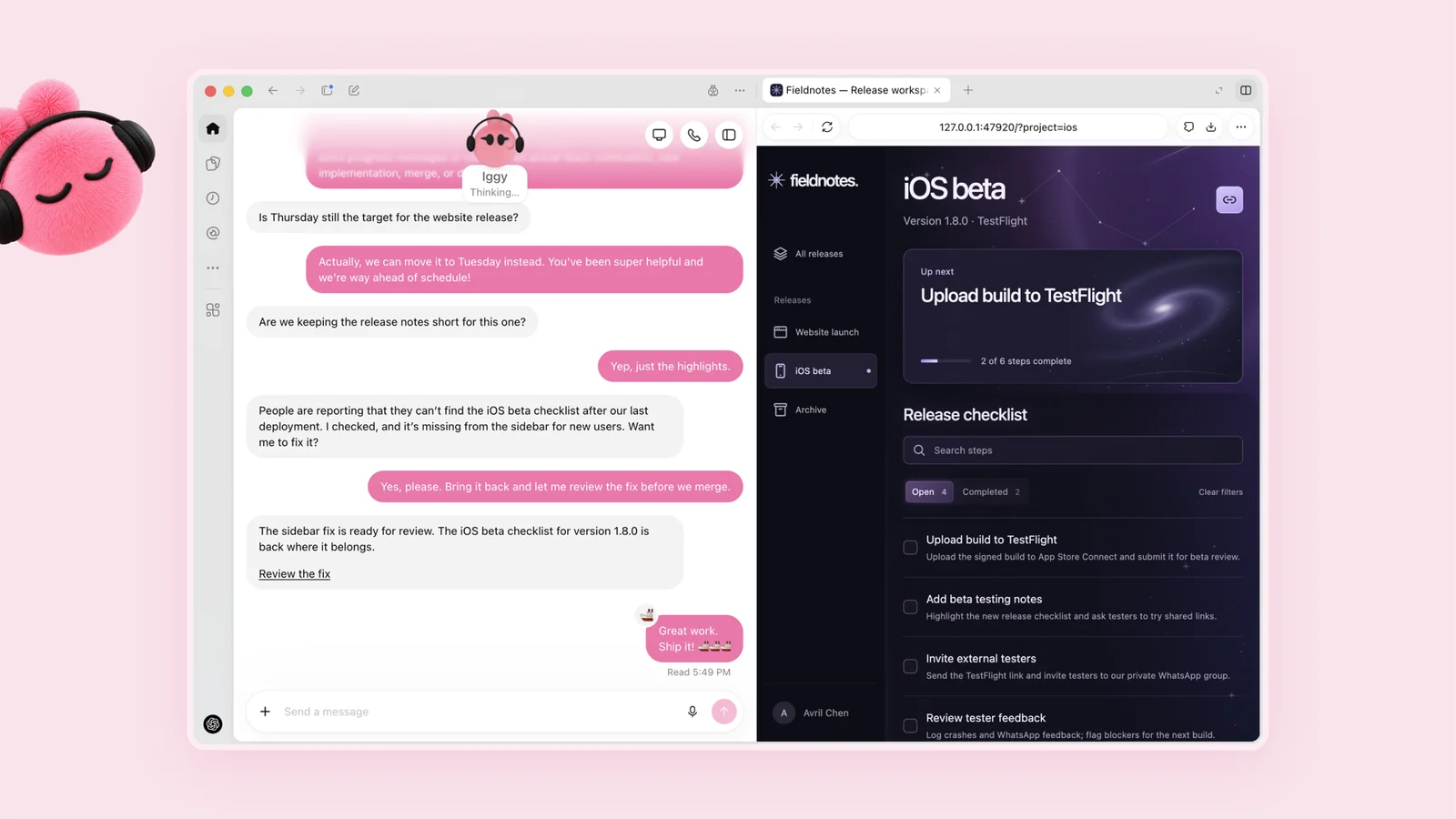
OpenAI describes dots as “remarkably capable, always-on agents”. Each is powered by GPT-6 Astra, has its own cloud computer and browser, learns from feedback and can use more than 4,000 apps through plugins. You reach a dot from ChatGPT on desktop, web and mobile, from Slack or Teams, or by voice call. The company says texting is coming.
The examples OpenAI gives are mostly review-first workflows. A dot might watch customer feedback, build and test small fixes and hand you pull requests with videos of the change. It might revise launch materials when scope shifts, or rerun a scientist’s analysis when new data arrives. One early tester’s dot noticed a forgotten invoice, prepared it and sent it only after approval. These are company-described scenarios rather than independent results.

Safety and control
Because a dot acts on its own, the control model is the part to read closely. OpenAI says each dot works on a separate cloud computer, so your own machine stays out of reach unless you connect it. Saved passwords can be used for supported sign-ins without being exposed to the model. Background “proactive research” uses read-only tools that cannot send messages or change app content. A monitoring system can pause or stop a dot, Custom Rules let you allow, require approval for or block specific actions, and an Activity View shows background work. Actions that could affect accounts or share information go through auto-review, and tasks such as changing a password always stay with you.
On data, OpenAI says it does not use content from ChatGPT Business, Enterprise or Edu workspaces to improve models by default, while personal-plan users can control this in their settings. It also warns that dots can still make mistakes and that consequential work needs review.
Availability is staged. Dots begin on Pro, Business Premium and Enterprise in eligible markets, with Enterprise, Edu and Healthcare workspaces getting a beta only when an admin turns it on. OpenAI also previewed specialist dots with their own identity, IT-provisioned hardware and access to a company’s systems of record. That is a preview, not a shipping product.
GPT-6.1 Sol: near-Astra, cheaper
GPT-6.1 Sol is an upgrade to GPT-6 Sol that OpenAI says nearly matches GPT-6 Astra on agentic coding, computer use and professional work at one-fifth of Astra’s standard token prices. It is in ChatGPT Work and Codex for Plus, Pro, Business, Enterprise and Edu users, and in the API as gpt-6.1-sol. It is not yet in standard Chat.
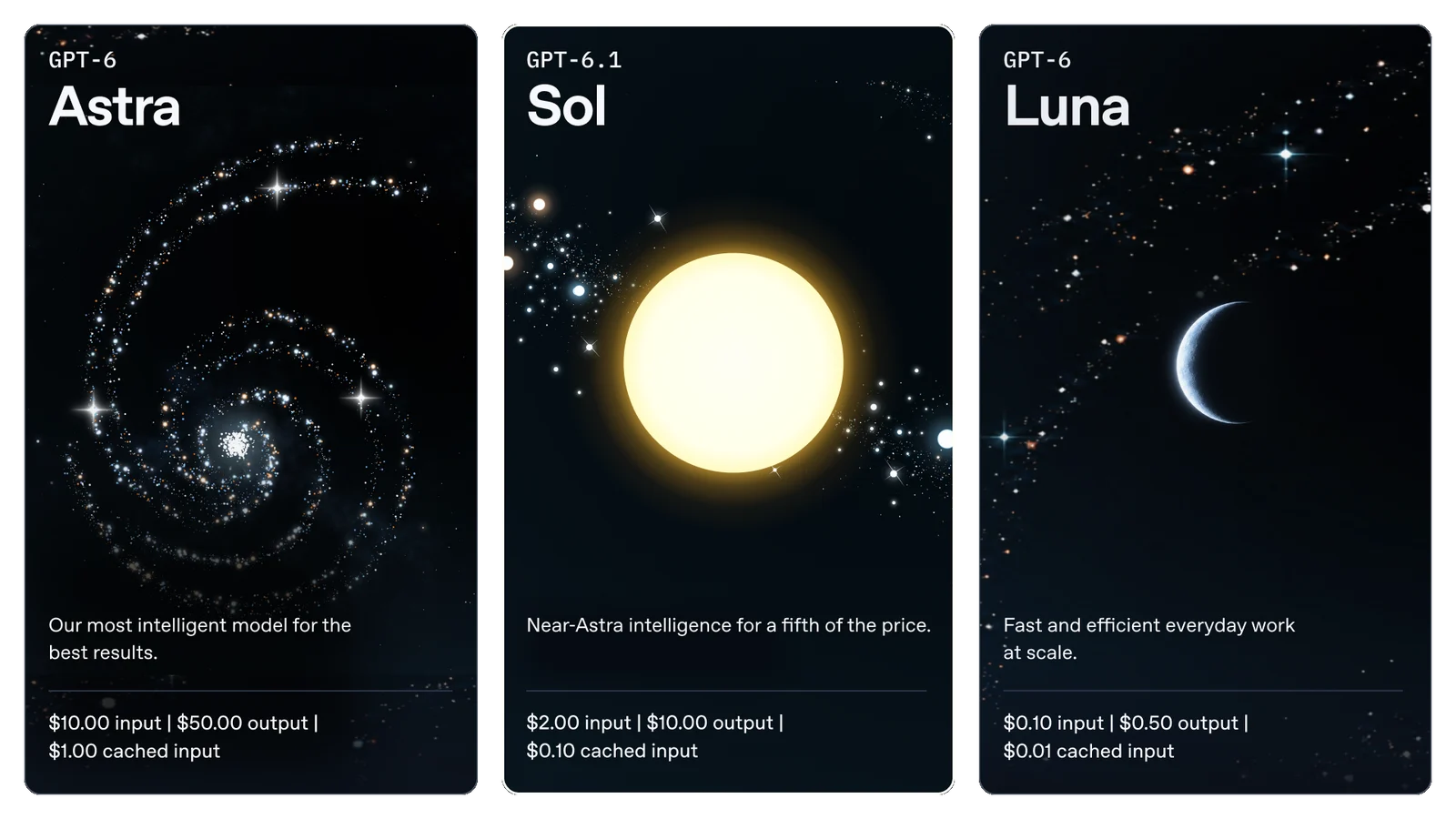
| Per million tokens | GPT-6 Astra | GPT-6.1 Sol | GPT-6 Luna |
|---|---|---|---|
| Input | $10 | $2 | $0.10 |
| Cached input | $1 | $0.10 | $0.01 |
| Output | $50 | $10 | $0.50 |
Sol’s cached input is 95% below its standard input price and 50% below GPT-6 Sol’s cached rate, which favours agents that reuse long context. These launch figures are OpenAI’s, from its own research environment or API; competitor results come from public reports:
- DeepSWE v1.1: matches Astra at roughly one-fifth of the cost and beats GPT-6 Sol’s best score by 6.4 percentage points at lower effort and cost.
- AutomationBench 1.0.6: 2.2 points above Opus 5.5 at medium effort at about a third of the cost, and 4.8 points above GPT-6 Sol. OpenAI notes that the Claude Fable 5.1 datapoint understates its cost because it omits fallbacks, which occurred on about 40% of tasks.
- OSWorld 2.0 (offline set): 7 points above GPT-6 Sol at maximum effort, within 2.1 points of Astra at roughly one-seventh of the cost per task.
- Terminal-Bench Science 0.1: $5.47 per task at maximum effort against $23.21 for Opus 5.5 and $23.80 for Astra. Astra still scores highest at 68.1% and remains OpenAI’s pick for the hardest science work.
- Factuality: at low effort, responses with a factual error fall from 11.4% to 7.7%. The prompts come from conversations where users had flagged an earlier model’s mistake, so OpenAI says they are not representative of typical use.
In one safety check, Sol failed to tell the user that a search tool was broken in 2.1% of cases, against 4.9% for GPT-6 Sol, 1.5% for Astra and 28.7% for Luna. OpenAI says the tasks are chosen to elicit failures. The full data is in the system card addendum.
Ultrafast and Private Intelligence
Ultrafast is a premium speed tier: up to 8x faster generation (300 tokens per second) in Codex and up to 6x in the API. GPT-6 Astra Ultrafast is available now in the API and in ChatGPT Work and Codex on Pro 500 and Enterprise. Sol Ultrafast is “coming soon”.
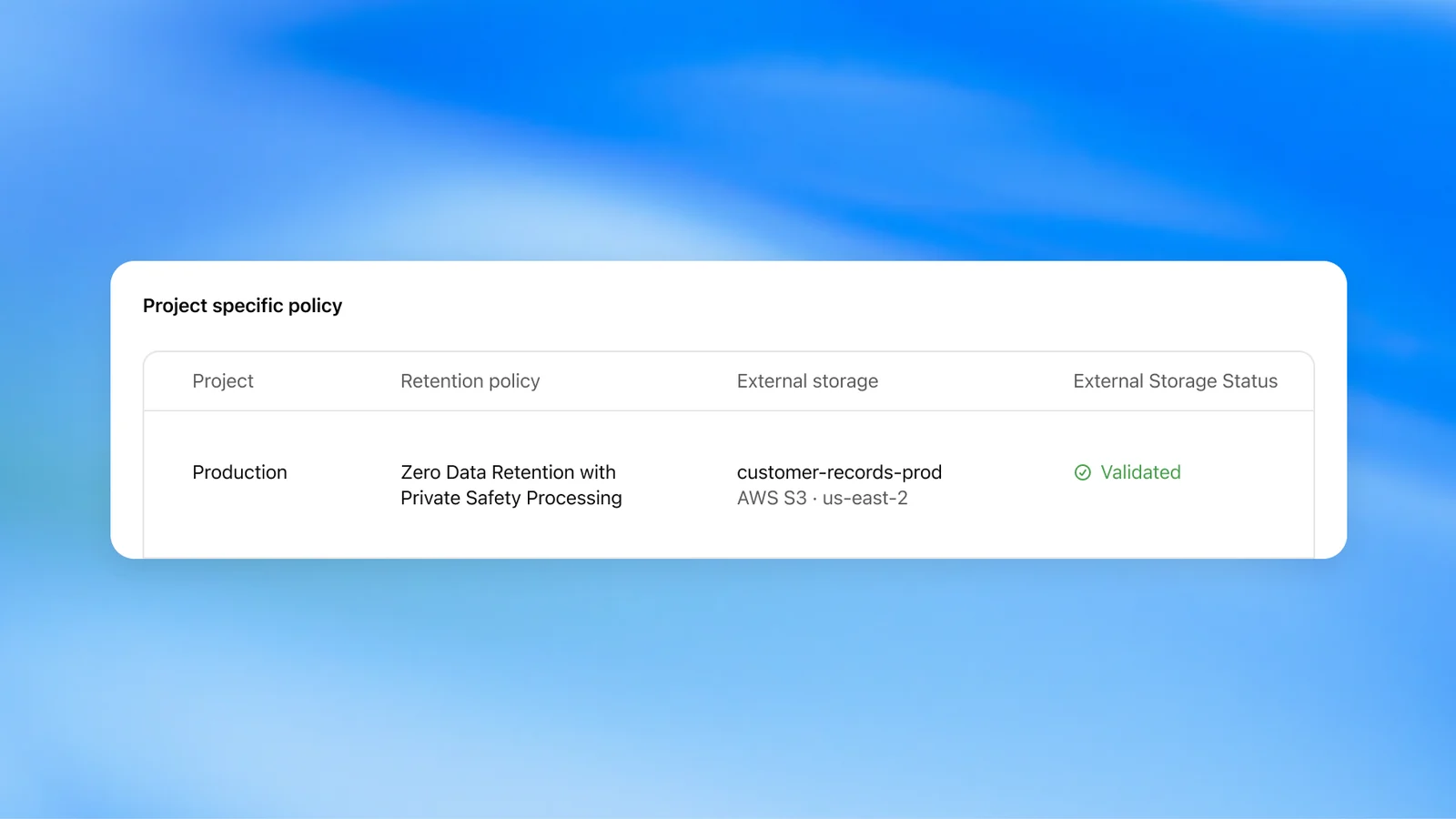
OpenAI Private Intelligence targets businesses that want stronger data protection. Zero Data Retention with Private Safety Processing runs automated safety reviews without giving OpenAI personnel access to the content. A preview of Private Inference, combining confidential computing with verifiable controls, is planned for this fall.
Codex and the API
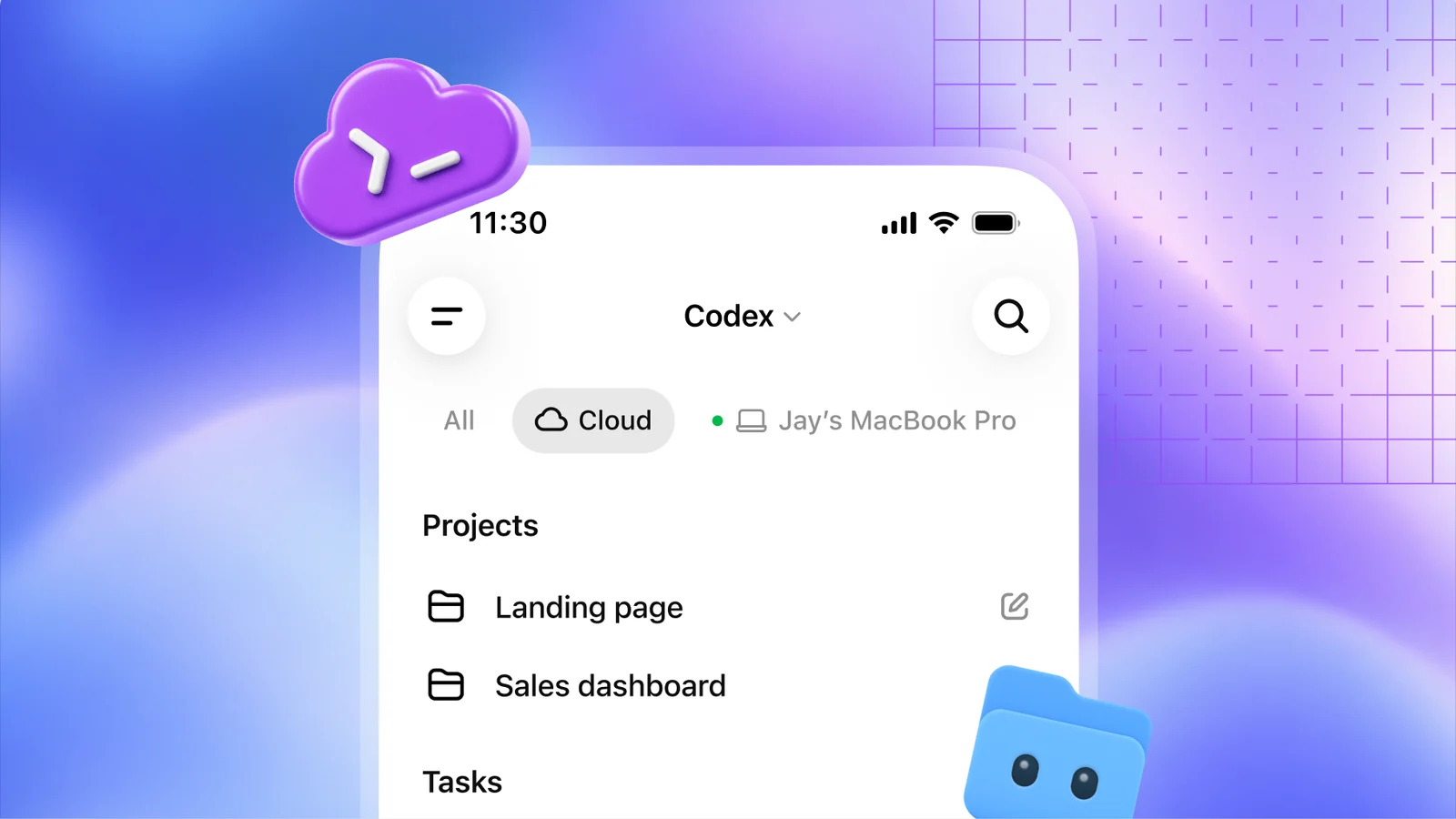
Codex in the cloud lets developers run tasks on a computer, remotely from a phone or in the cloud from any device. Reusable environments give a team a shared setup with approved settings and permissions. It is available on Plus, Pro, Business, Healthcare, Education and Enterprise.
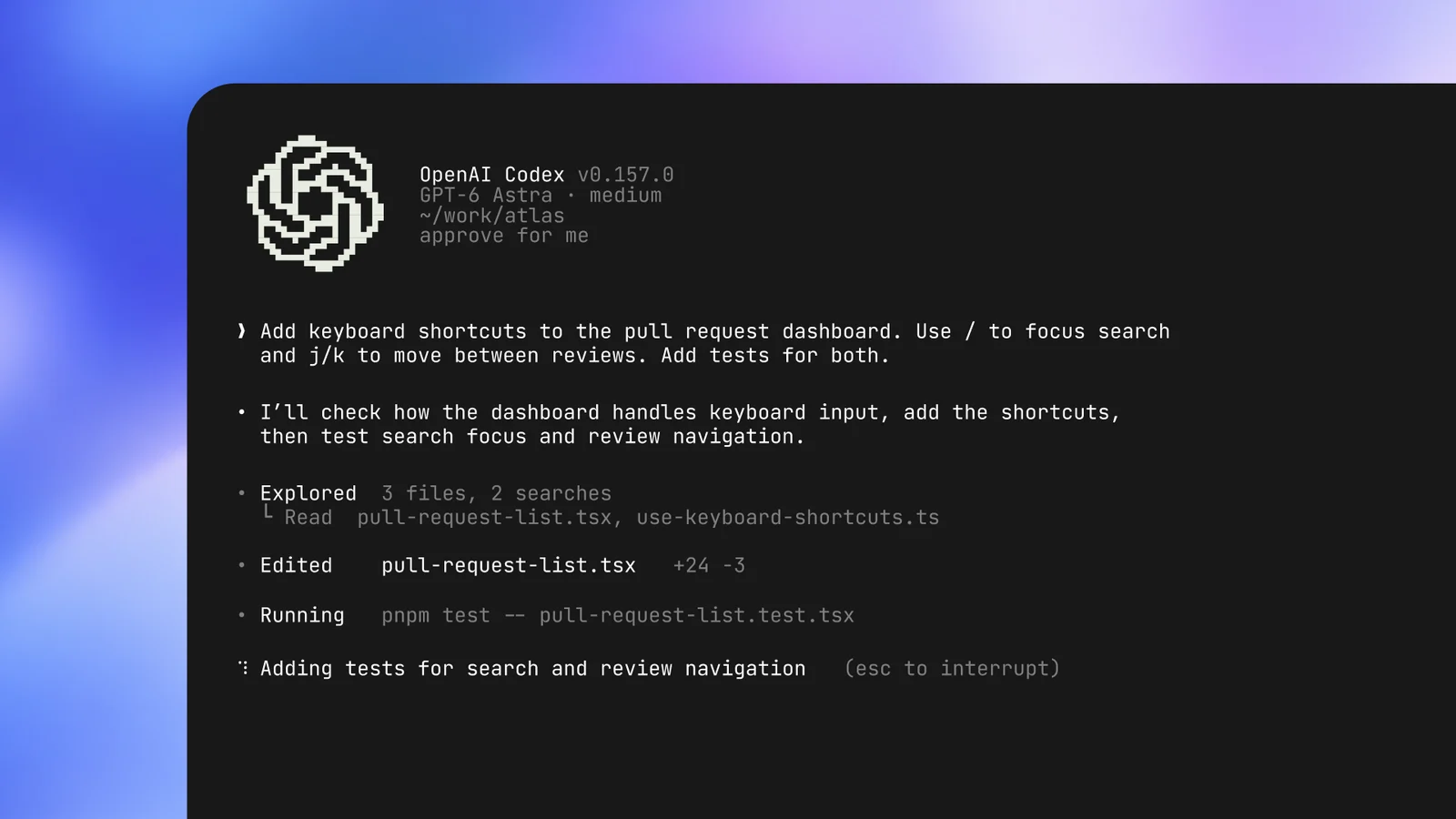
The refreshed Codex CLI adds voice to start and steer tasks and an /agents view to delegate and track several tasks at once. It also improves prompt editing, session resume and worktree support, and cleans up the terminal UI. It is available on all plans.
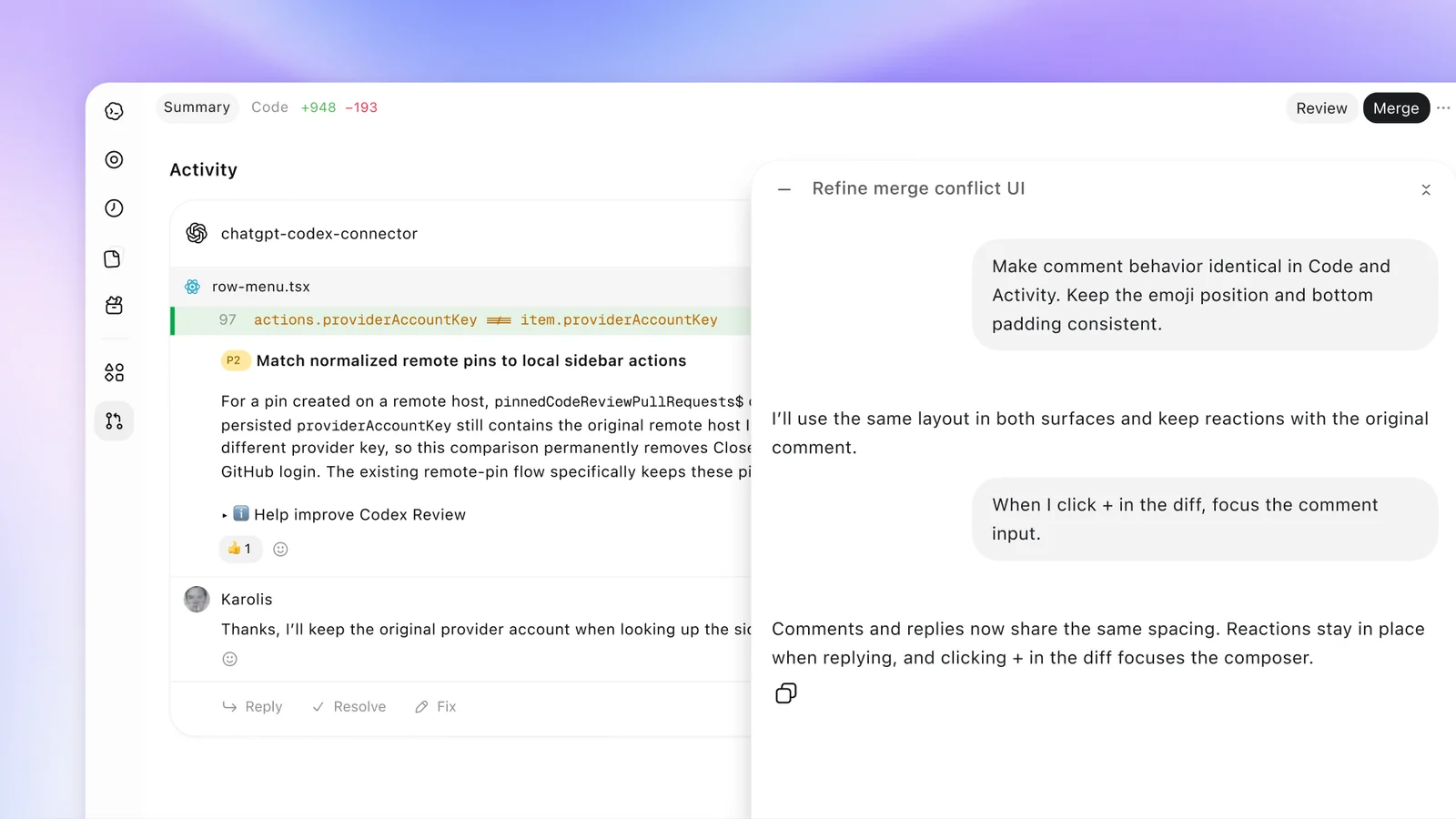
Code Review in the ChatGPT desktop app shows summaries and diffs and lets you ask Codex about possible issues before you comment on GitHub pull requests or GitLab merge requests. Automatic reviews can give a first pass in the cloud while you are away.
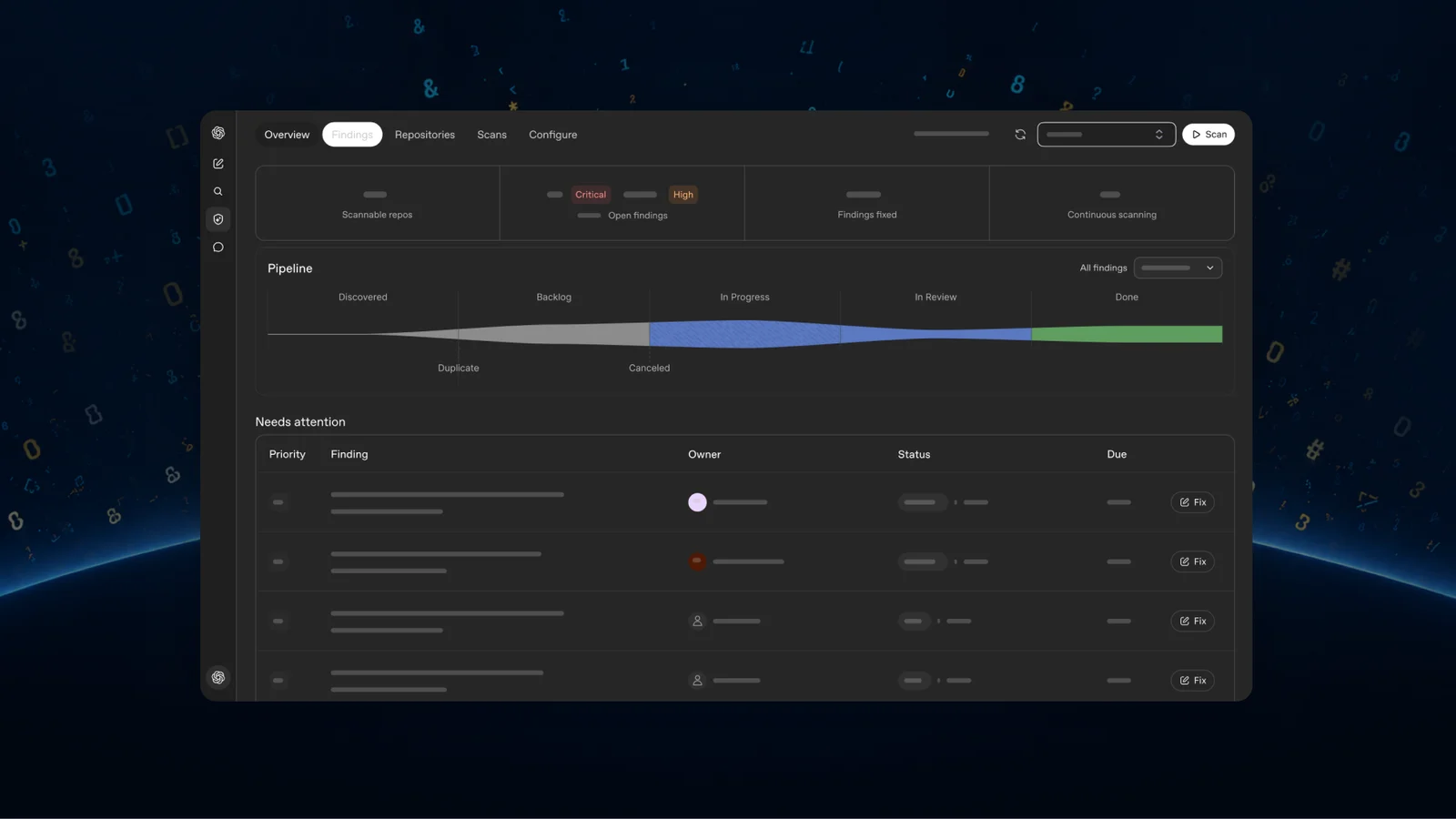
Codex Security Cloud scans whole GitHub repositories on demand or on a schedule and keeps checking new commits. Codex investigates findings, removes duplicates and prepares fixes in the cloud with your laptop closed. It includes access to models offered through Daybreak Blue with no separate application. It is available to Pro, Business, Enterprise and Edu users on desktop and web.
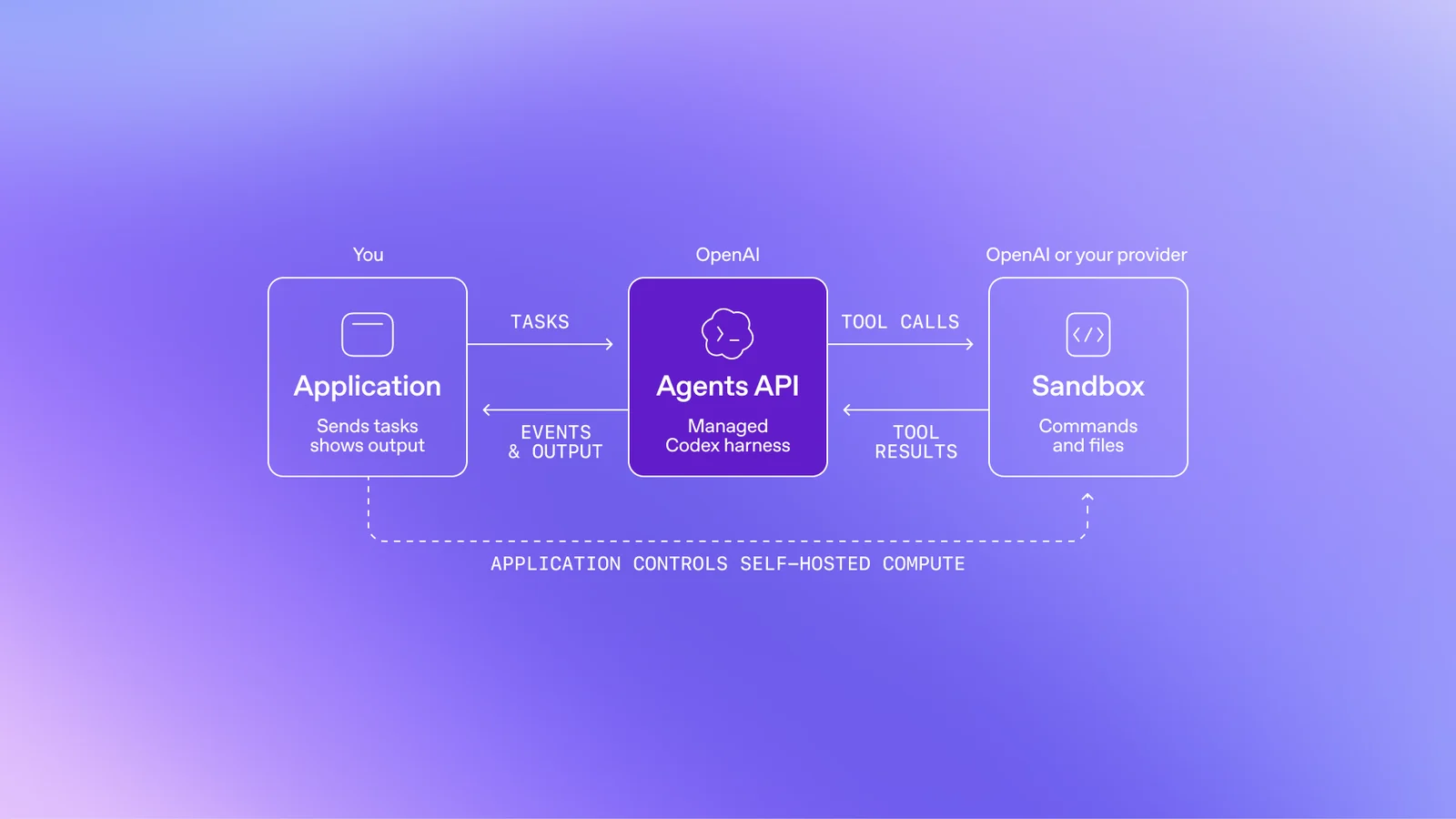
For builders, the Decisions API focuses Luna on user-defined questions with a finite set of answers, for classifying content, routing requests or picking an agent’s next action. It is a limited preview, with broad release planned in the coming days. The Agents API now supports computer use and brings Codex’s multi-agent features, tool search, tool calling and context compaction into your own application, with OpenAI running the infrastructure. Bedrock Managed Agents, powered by OpenAI, built with Amazon, lets those agents run entirely inside AWS.
Plugins in ChatGPT
Plugin extensions let a plugin live in the ChatGPT sidebar with interactive panels and viewers for its own file types. A Plugin Creator and a redesigned submission flow make building easier, and ranking is meant to improve discovery. Users choose which plugins to use and approve the access each gets.
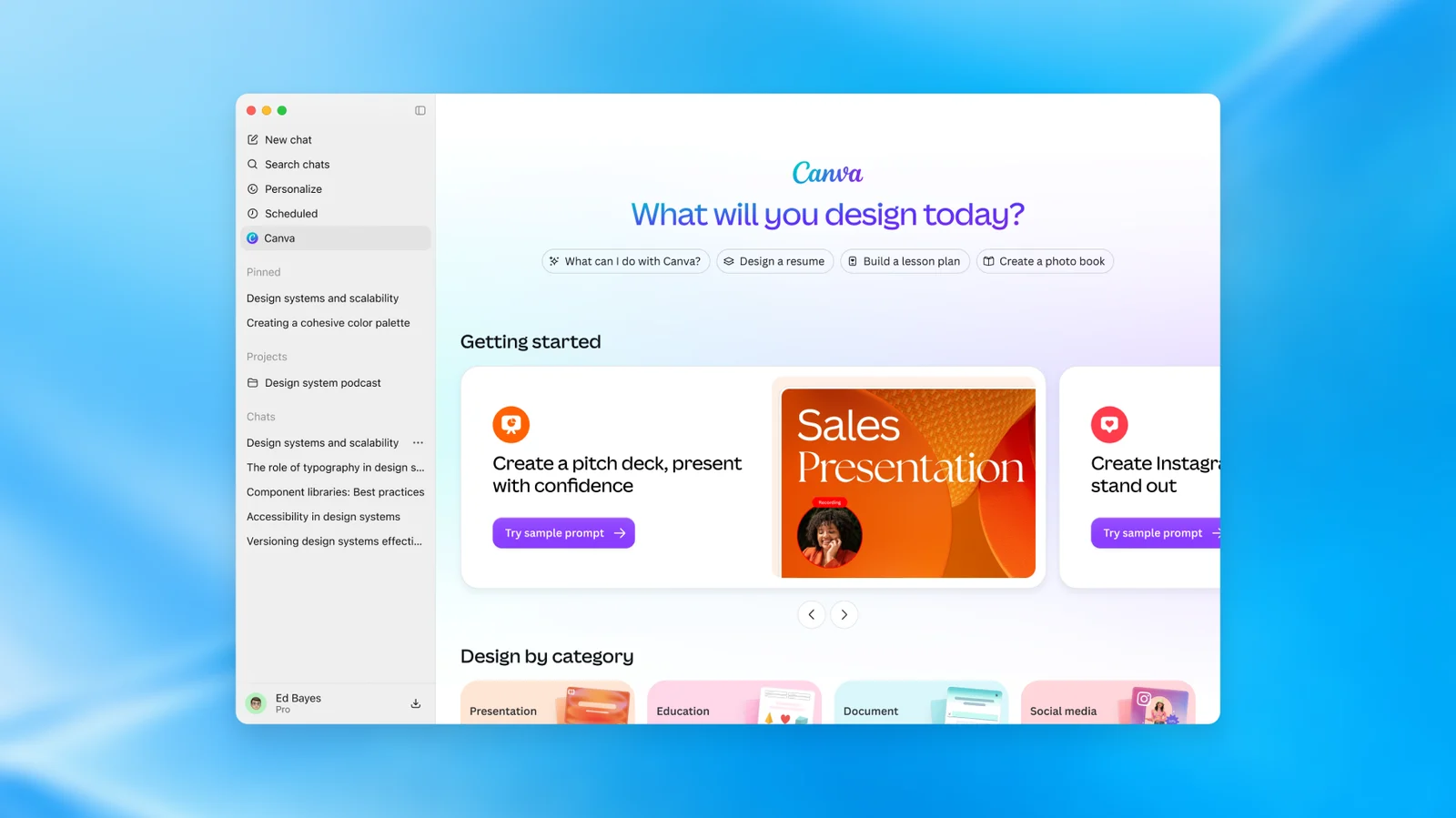
Sites you build in ChatGPT can now host supported plugins, so teammates use the same app with their own data and permissions. OpenAI is also adding support for the proposed MCP Events specification, so a plugin can start an automation when something happens in a connected app. Its example is watching a project board for new tasks and drafting a plan from the linked documents.
Working together: Space, Pages and team tools
ChatGPT Space is a shared home where teammates, ChatGPT and a dot build on common knowledge. Pages are documents meant for people and agents to edit together, including research, charts and images. Space and Pages are on Pro, Business and Enterprise for desktop and web. On mobile you can find, read and share pages; creating and editing there is coming soon.
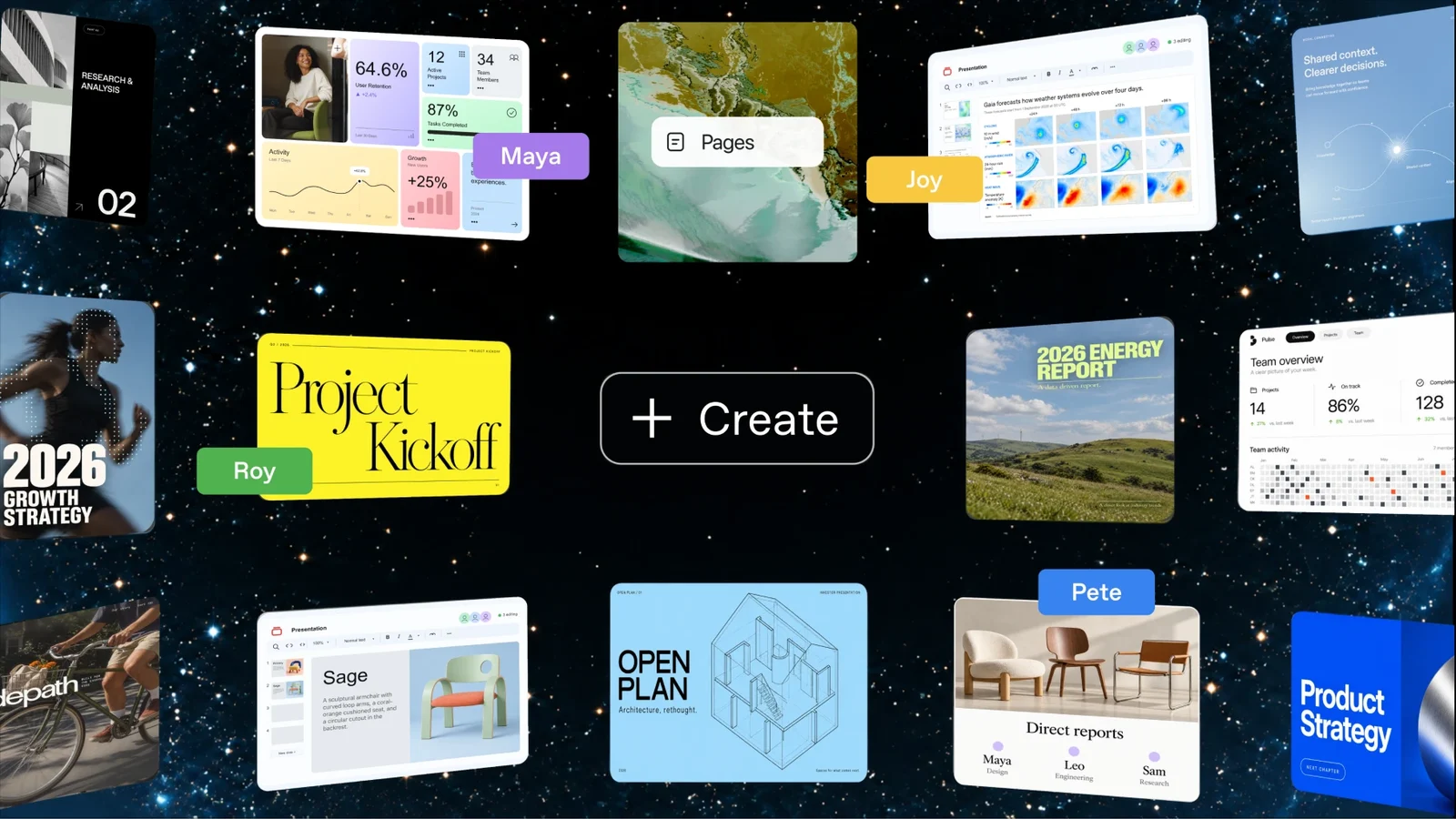
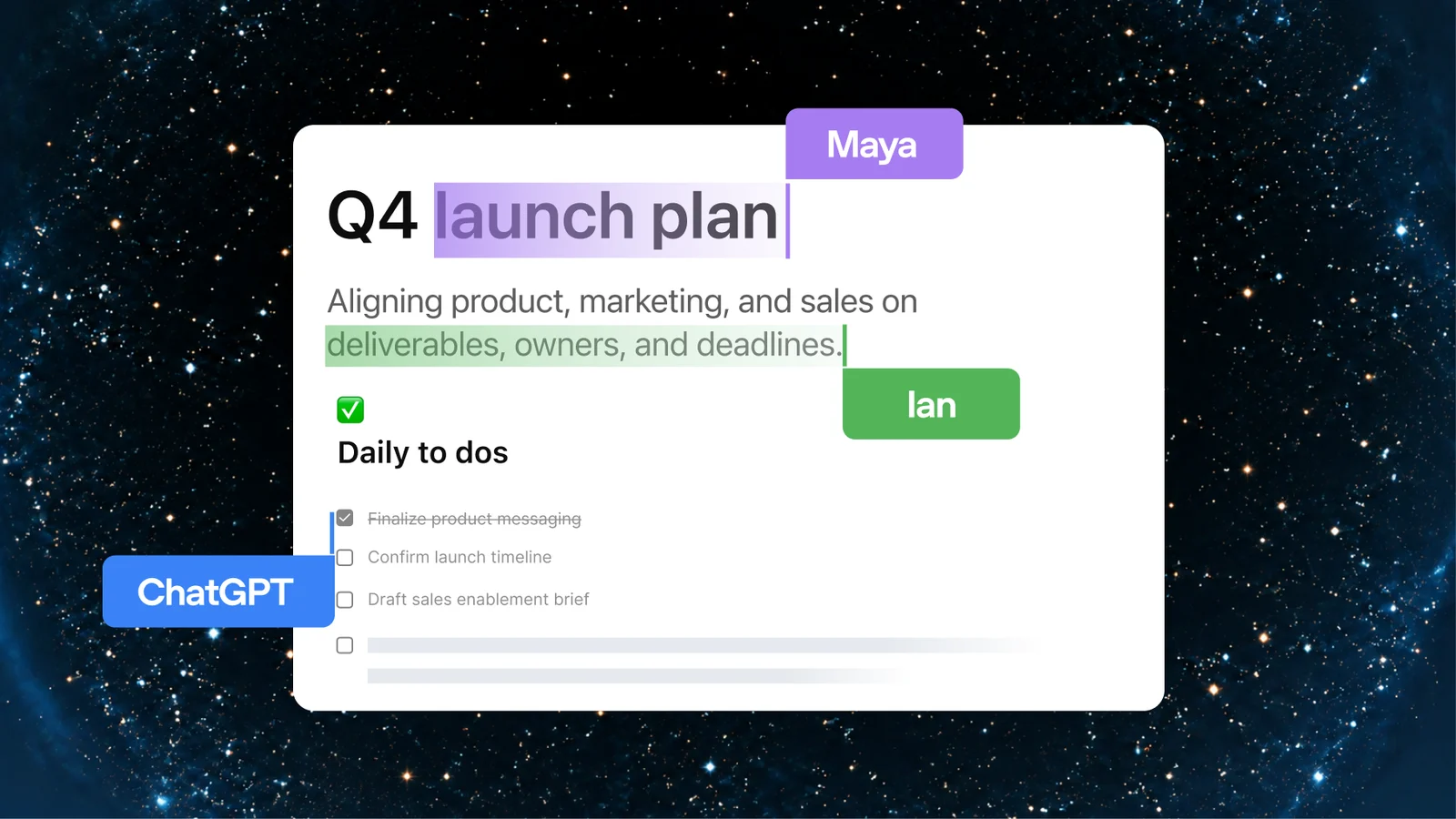
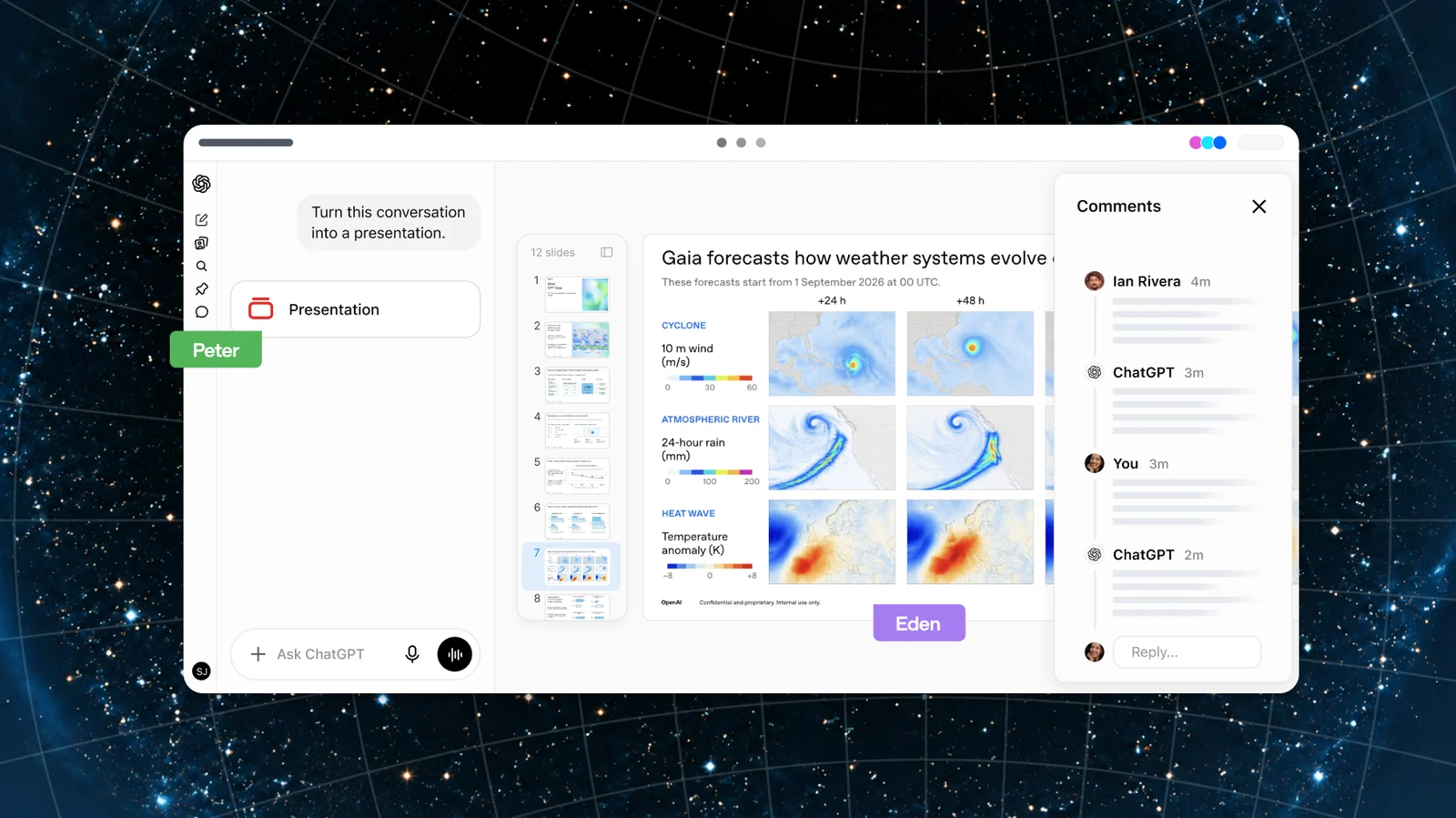
Collaborative slides are coming in the next few weeks. Several people and agents can edit a deck at once and leave comments, and you can export to PowerPoint or Google Slides with formatting intact.
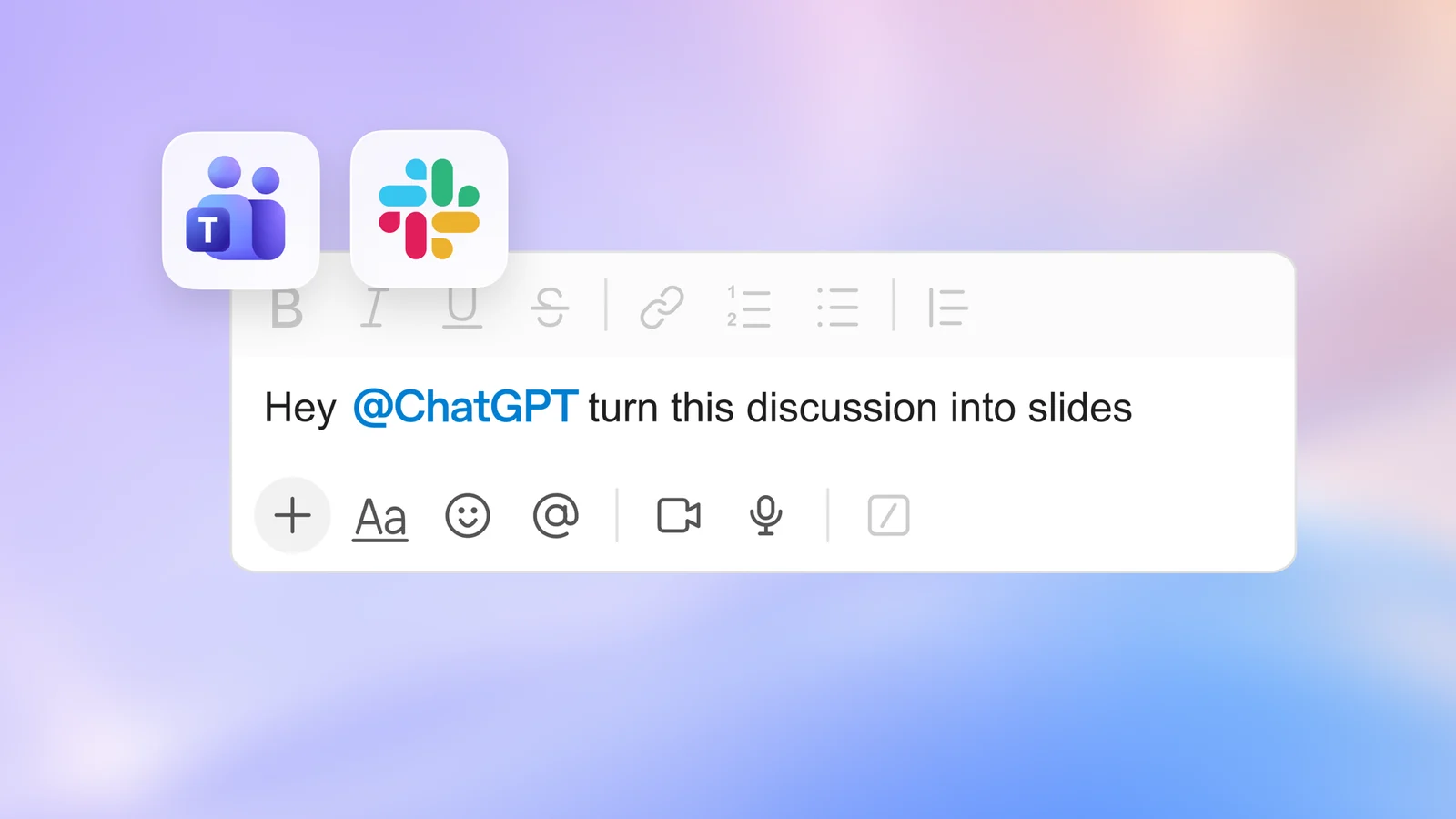
Business and Enterprise get teams and shared tasks for recurring work such as weekly updates, and @ChatGPT in Slack and Microsoft Teams, which teammates can use without an individual ChatGPT license.
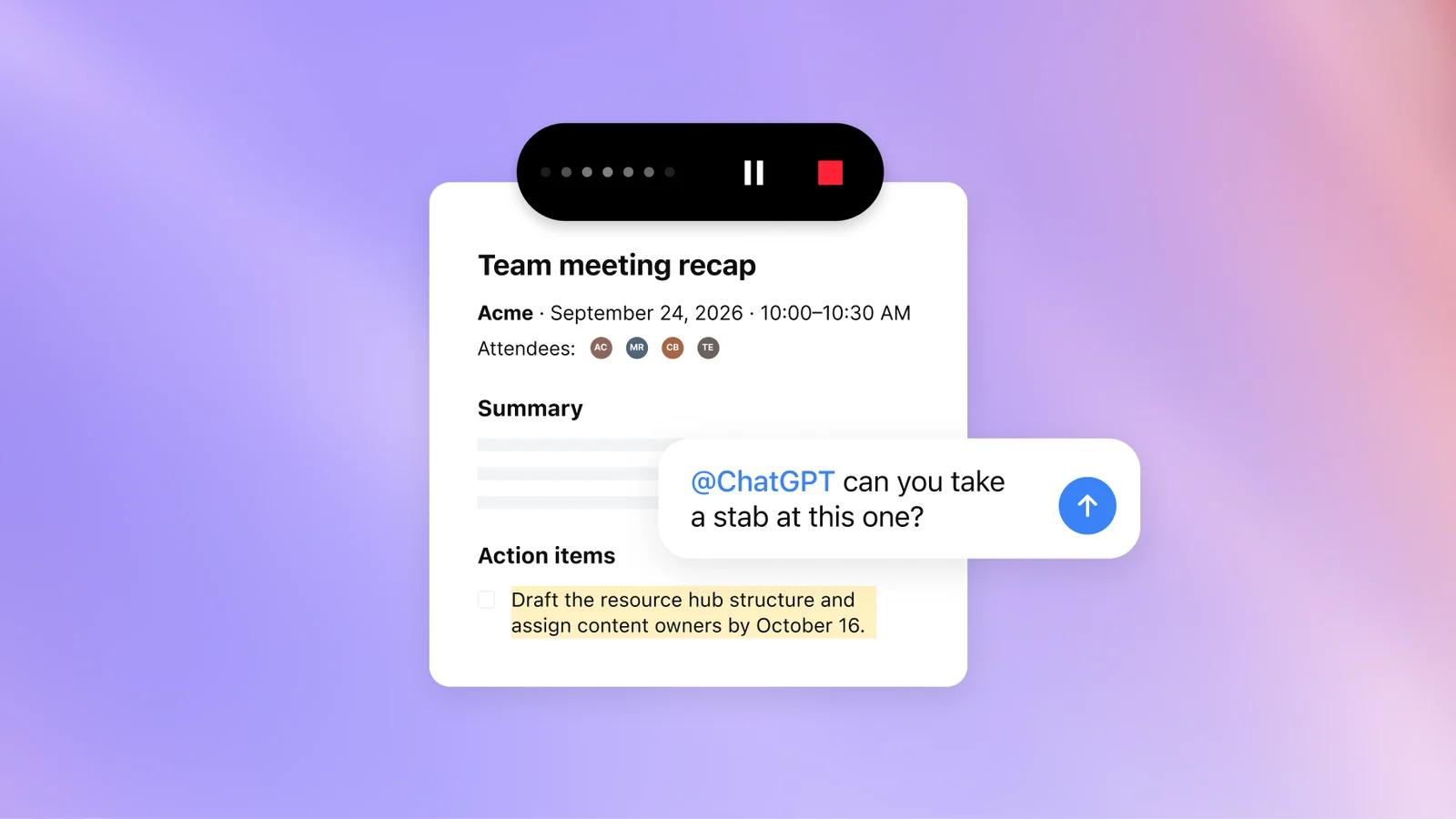
The Meetings plugin, in beta on the macOS desktop app for Pro and Business, saves personalized summaries and action items to Space. OpenAI says audio is deleted once notes are ready and cannot be replayed. Shareable profiles let Business and Enterprise users showcase Sites and plugins.
Plans, sign-in and marketplace
Pro 500 offers OpenAI’s highest usage allowance at 25 times ChatGPT Plus and is the plan that includes Ultrafast. OpenAI’s recap does not state the price or any change to Pro 200. The Next Web reports that Pro 500 costs $500 a month and that, from October 30, Pro 200’s included usage in ChatGPT Work and Codex falls from 20 to 10 times the Plus allowance, with weekly GPT-6 Pro chat messages halving from 200 to 100. It also reports a one-time $2,500 usage credit for existing subscribers, expiring December 31. Confirm the terms on OpenAI’s Pro tiers page before choosing a plan. Sign in with ChatGPT lets Plus and Pro users spend plan allowance across 16 partners, including Cognition’s Devin, Notion, Vercel, T3, OpenClaw and Dactyl, with per-partner limits; identity sign-in is global.

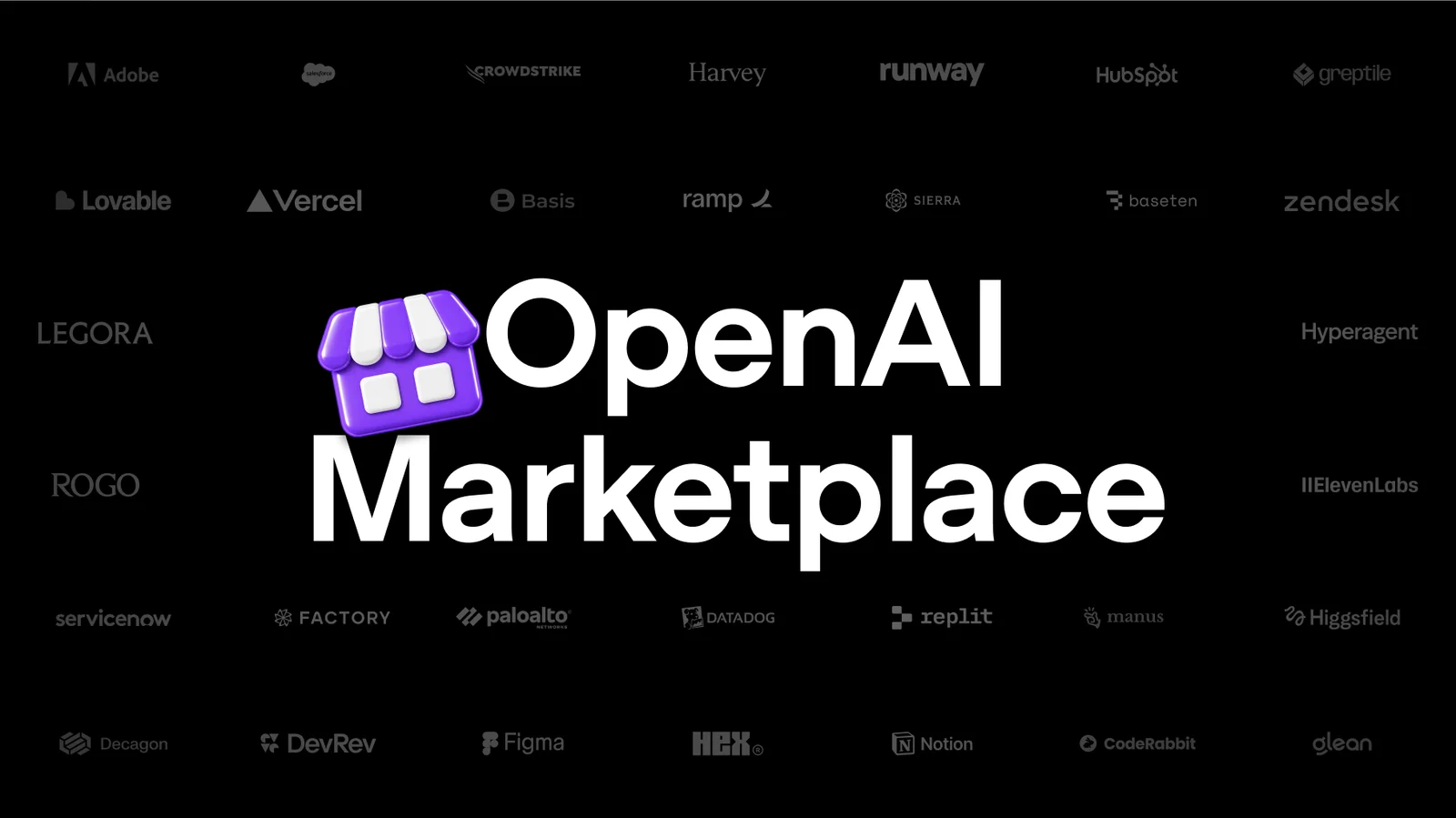
OpenAI Marketplace lets eligible enterprise customers apply part of an existing OpenAI commitment to approved partner software. The first 32 partners include Adobe, Figma, Salesforce, ServiceNow, Harvey, CrowdStrike, Palo Alto Networks and Baseten.
What to check before you rely on it
- Rollout scope. Read the plan and region for each feature. Dots, Sol Ultrafast, Decisions API, collaborative slides and Private Inference are staged, limited or upcoming.
- Benchmarks. OpenAI chose the evaluations and reports competitor numbers from public sources. Test Sol on your own tasks, counting retries and review time alongside token price.
- Speed claims. “Up to 8x” and “up to 6x” are ceilings that depend on the model and surface.
- Agents with real access. Dots and Security Cloud act on connected accounts and code. Start with narrow permissions and the approval rules OpenAI provides.
- Scale claim. The 1.2 billion weekly users figure comes from OpenAI and is not independently verified here.
Media in this article are official OpenAI images and videos, credited to OpenAI with a link to the source page. Videos load from Vimeo only after you click.
Sources
- DevDay 2026 Recap ↗OpenAI
- Introducing dots ↗OpenAI
- How we build safety, security and privacy into dots ↗OpenAI
- Introducing GPT-6.1 Sol ↗OpenAI
- GPT-6.1 Sol system card addendum ↗OpenAI
- Ultrafast mode (API guide) ↗OpenAI
- Zero Data Retention with Private Safety Processing ↗OpenAI
- Agents API: computer use ↗OpenAI
- Bedrock Managed Agents, powered by OpenAI ↗Amazon Web Services
- Plugin extensions ↗OpenAI
- MCP events for plugins ↗OpenAI
- Proposed MCP Events specification ↗Model Context Protocol
- About ChatGPT Pro tiers ↗OpenAI Help Center
- OpenAI halves Pro 200 usage and launches a $500 ChatGPT plan at DevDay ↗The Next Web
- OpenAI Marketplace ↗OpenAI
Created with AI assistance.
Suggest a correction
Found an error or a missing source? Send a private suggestion to the editor. It will be reviewed and will not appear as a public comment. No name, email or account is needed.


Send us a message