Pi 1.0 adds MCP and Codemode to a minimal open agent harness
Pi 1.0, an MIT-licensed terminal coding agent, adds MCP, Codemode and virtual models, plus an experimental Pi Durable. What changed and what to check.
In this article
Pi, a small open-source coding agent that runs in the terminal, reached version 1.0 on October 1. Earendil’s announcement calls it a “hardened, minimal, extensible agent harness” and says hundreds of thousands of people use it every week, a figure we could not verify. The repository itself shows about 112,000 GitHub stars. This article covers what 1.0 changes, what Pi Durable is, and what to keep in mind. We read the announcement, the two companion posts and the release notes; we did not install or run Pi.
What is new in 1.0
Earendil lists these additions: Codemode with native support for MCP and for non-LLM models such as Jev and image models, extension support for virtual models, deferred tool loading, cache warming for Anthropic models, mid-conversation system messages, a new terminal theme and a fullscreen interface by default. Pi is MIT licensed, installs with curl -fsSL https://pi.dev/install.sh | sh (a PowerShell equivalent exists for Windows) and has code at github.com/earendil-works/pi.
The v1.0.0 release notes add detail:
- Fullscreen by default. Set
tuiModeto"regular"to keep the terminal’s normal scrollback. - Leaner Codemode. About 40% fewer prompt tokens, with a GPT-5.6 request shrinking from about 5,300 to 3,300 tokens, and error messages that tell the model how to recover. One breaking detail: scripts that probed for a tool with
typeof tools.namemust use"name" in tools. - Image generation in Codemode. Scripts can call
models.generateImages()with the session’s credentials, and the cost counts toward the session. - MCP sign-in hardening. Checks on the
issparameter (RFC 9207), credentials stored per server and step-up sign-in that keeps granted scopes. - Other changes. A Radius sign-in option in
/login, a copy-code Anthropic login for headless setups and a header-only quiet startup.
Why MCP and Codemode
Pi used to say proudly that it had no MCP support. In “You Said No MCP!” (September 29), Earendil explains the reversal: MCP could have stayed an extension, as it was, but rethinking it showed the changes it needed were generally useful. Those changes, it says, also make Jev easier to use inside Pi, because both need an interpreter-style sandbox.
Codemode is the mechanism. Instead of dumping every tool into the model’s context, tools are exposed to a JavaScript sandbox where the model writes a script that orchestrates and composes the calls. Earendil says MCP’s biggest remaining problem is that it is hard to compose, and that it wants MCP closer to OpenAPI with tool discovery: tools should return structured data and be discoverable by documentation. It describes this as the same approach as other harnesses such as Codex.
A demo with Jev in the loop
The announcement includes a terminal recording. In one scene, Pi (running gpt-6-luna) is asked to write itself an extension, router.ts, that registers a virtual model called router/auto. The model summary reads, in part, that it plans on radius/claude-opus-5-5, asks TypeSafe’s Jev classifier on each planning-phase user message whether to switch, and on a positive result switches to radius/gpt-6-luna. Earendil’s caption describes it as a virtual model that plans with Claude Opus and implements with GPT, with Jev deciding when to switch.
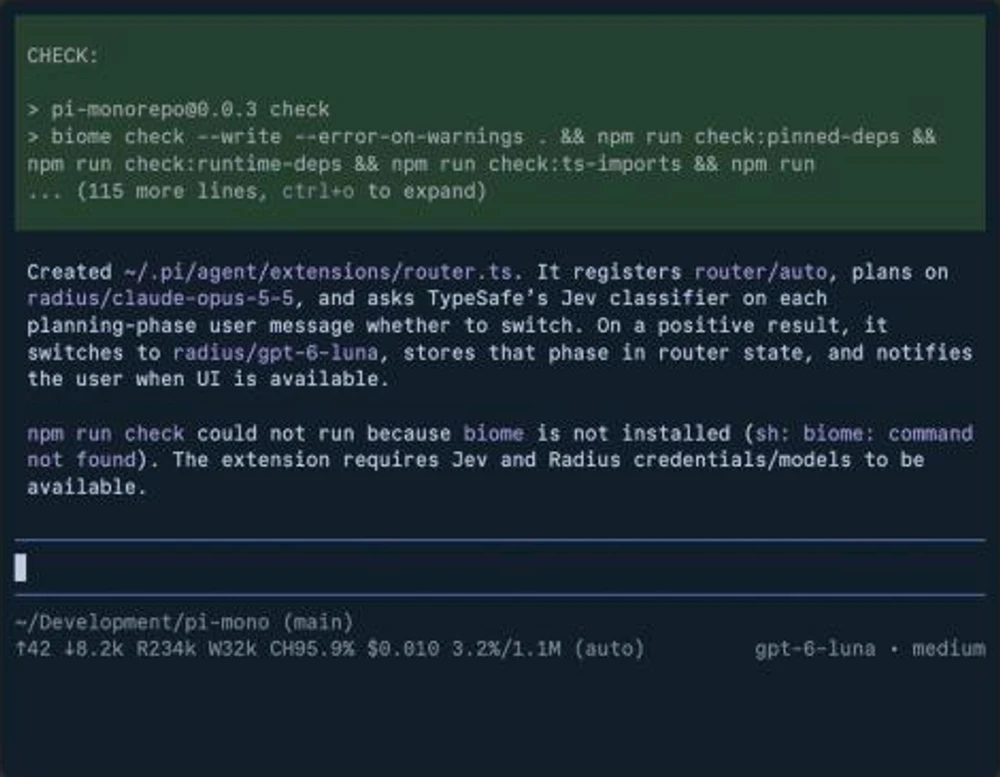
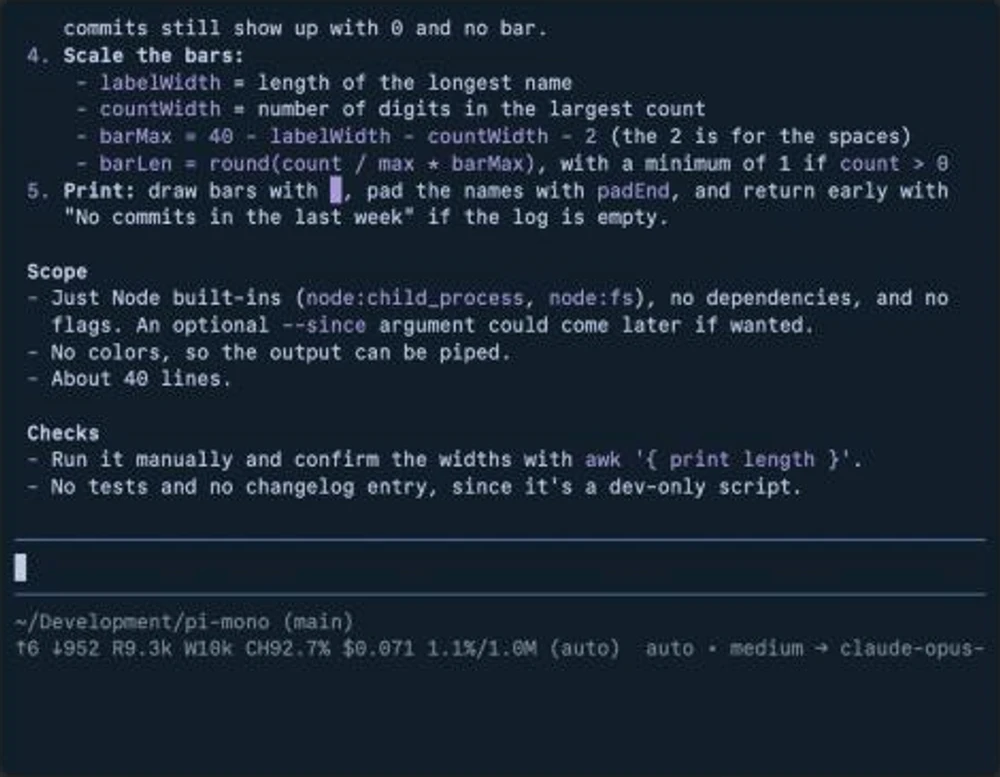
The demo uses Radius, which Earendil’s site lists among its projects, as the model provider (we did not look into it), and the router extension “requires Jev and Radius credentials/models to be available,” as Pi itself notes. It shows the idea of a decision model choosing between larger models; it is not a benchmark, and the announcement gives no accuracy or cost figures for the routing.
Pi Durable
Alongside 1.0, Earendil released Pi Durable as an experimental package. The coding agent is built to run on a machine, in a terminal, driven by one person; Pi Durable is a framework for agents that run for a long time, survive crashes and can be reached from several surfaces and steered by several people.
- Harness. Storage plus the machinery to run conversations with models in parallel, with tools and execution environments.
- Storage. Memory, SQLite and JSONL backends ship with it. Earendil says the SQLite and JSONL code uses no Node APIs, so a small adapter lets it run on Bun or in a Cloudflare Durable Object.
- Crash recovery. Every step of a run is a task that stores a checkpoint. After a crash, a new process finds unfinished tasks and continues from the last checkpoint, and a request ID makes a submission exactly-once.
- Size. About 15,000 lines of source without tests, roughly 150,000 tokens with GPT and 250,000 with Claude. It has no built-in subagents.
It is installed with npm install @earendil-works/pi-durable @earendil-works/pi-ai @earendil-works/chord. Earendil says lessons from it will flow back into the coding agent as they prove valuable.
Extensions
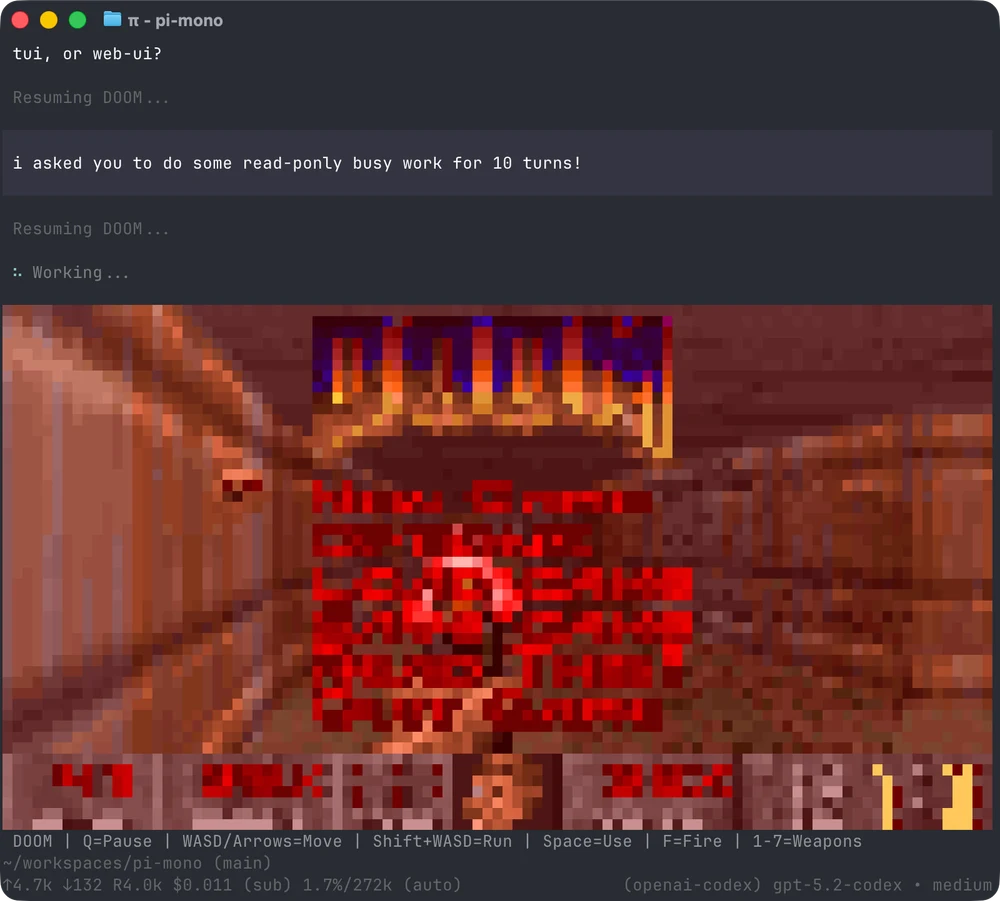
Pi’s extension system lets a plugin draw into the terminal. Pi’s own site shows a screenshot of a Doom extension running while the agent works.
What to keep in mind
These are our observations, not claims by Earendil:
- It is a harness, not a model. Pi works with models from several providers, so cost and quality depend on what you connect. The demo’s cost and cache figures are per its own session and not a general benchmark.
- Extensions are code. A harness with deep extension and MCP support runs third-party code and tools, so the same caution we described for Claude Code mods and in DeepSeek Harness’s safety notice applies: read what you install.
- Fullscreen is now the default. If you rely on terminal scrollback, switch
tuiModeback. - Pi Durable is experimental, as Earendil says. Treat it as a design to try, not a foundation for production.
- Codemode scripts are a breaking change for anything that probed tools with
typeof.
Editorial review: October 3, 2026 (AI). Prepared from Earendil’s announcement, Pi Durable post and “You Said No MCP!” post, the v1.0.0 release notes and repository metadata (stars checked on October 3), all read the same day. The demo frames are from Earendil’s recording as played on its site. The claim of hundreds of thousands of weekly users is Earendil’s own. We did not install, run or test Pi, Pi Durable or the router extension. Images are Earendil’s and Pi’s, reproduced with credit and a link to the source. “What to keep in mind” is ours.
Sources
- Pi 1.0 ↗Earendil
- Pi Durable ↗Earendil
- "You Said No MCP!" ↗Earendil
- earendil-works/pi (repository and v1.0.0 release notes) ↗Earendil / GitHub
- Pi ↗Pi project
Created with AI assistance.
Suggest a correction
Found an error or a missing source? Send a private suggestion to the editor. It will be reviewed and will not appear as a public comment. No name, email or account is needed.


Send us a message